
Fewer translation corrections with our Glossary and Exclusions
With Clonable , you can quickly translate your website into multiple languages. But your company likely also uses technical terms, brand names, and product names that require specific translation choices. Which terms do you always want to translate the same way? And which words should remain untranslated?
You can define these choices using the Glossary and Exclusions . This helps you maintain control over the terminology on your international websites and prevents you from having to correct the same words over and over again. In this article, you’ll learn how both features work and how Clonable helps you create these lists.
What is the Glossary?
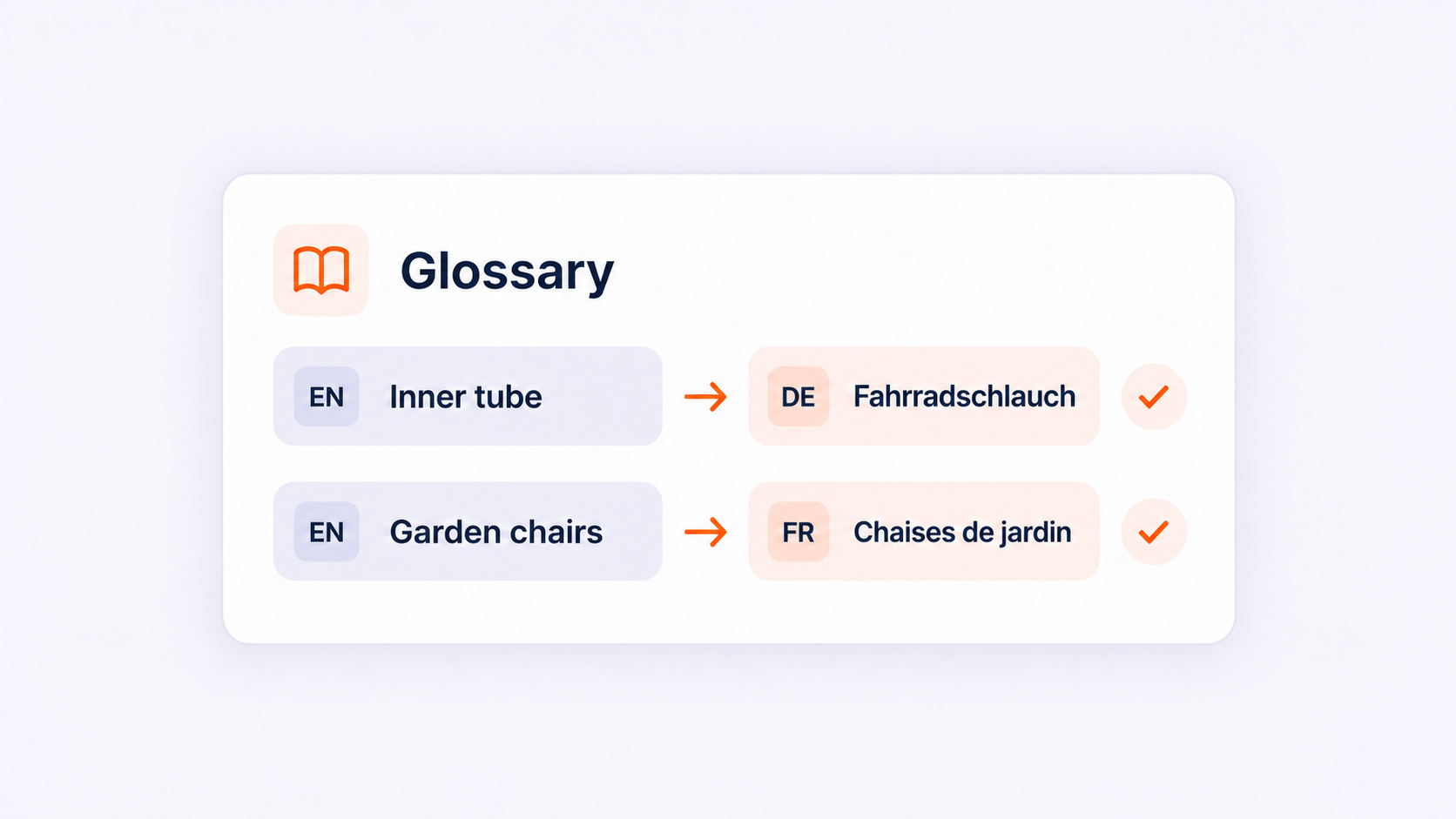
The Glossary is a list of terms where you specify how Clonable should translate specific terms. You link a term in the source language to the desired translation in the target language. This helps guide the translations on your website.
This is especially helpful for technical terms, product categories, and other words you use frequently.
Use the correct technical terms
A term can have multiple meanings. Which translation is appropriate depends on your industry and the context. Use the Glossary to specify which translation your company uses.
Do you sell bicycle parts? Then you’ll want, for example, “binnenband” to always be called “inner tube” on your English website. And do you offer software? Then you can specify that you use “dashboard” in German as “Dashboard,” rather than “Armaturenbrett,” which is primarily used for vehicles.
Even if multiple translations are correct, sticking to one choice helps. For example, a clothing e-commerce site might choose “trainers” on its UK website and “sneakers” on its U.S. website. This ensures your wording aligns with your target audience.
Keep your terminology consistent
Do you use different translations for the same product category? If so, a visitor might wonder if you’re referring to different things. With the Glossary, you can establish a single translation for recurring terms.
Suppose you use the category “garden chairs” on your Dutch online store. In that case, you don’t want to keep switching between “Gartenstühle” and “Terrassenstühle” on your German website. You choose the term that fits your product range and stick with it.
The same applies to services. Do you offer an “introductory meeting”? Then you can consistently use “introductory call” on your English website. That way, visitors will recognize the same service on your homepage, services page, and contact page.
Incorporate local search terms
The Glossary also helps you use selected search terms consistently. First, research which words your target audience uses. Then, define the appropriate translations.
For example, do you sell vacation rentals to British vacationers? Your keyword research might show that “holiday cottages” is a better fit for your offerings and target audience than “holiday homes.” You can then document that choice in your Glossary.
This is how the glossary supports your international SEO approach. You first determine which terms are relevant and use the Glossary to apply those choices consistently.
What are Exclusions?
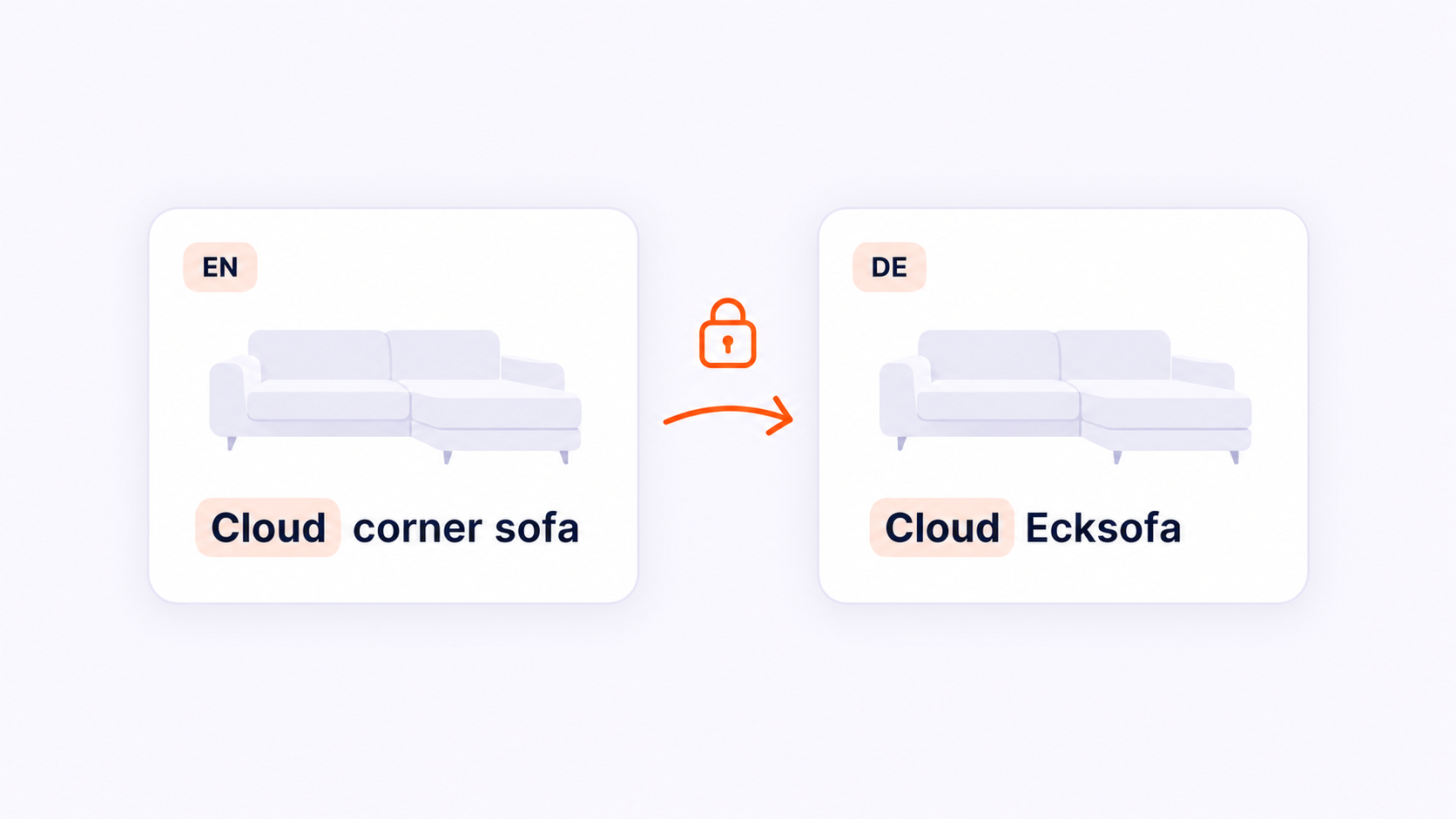
With “Exclusions,” you can exclude words or text fragments from translation. “ Clonable ” will then carry them over exactly as they appear in the original text.
While you use the Glossary to define the desired translation, you use Exclusions to specify which terms remain untranslated.
Keep your brand name
You want visitors to recognize your brand in every language. This requires extra attention if your brand name is also a common word.
For example, is your company called “Buitenleven”? Then you’ll want to keep that name on your English website, while you might want to translate the word “buitenleven” in a regular sentence. Therefore, choose carefully which word or text fragment to exclude and check how it looks in the surrounding text.
Protect product names and codes
You’ll also often want to retain your own product names, collection names, and model numbers. Think of a bank with the product name “Cloud” or a jacket line called “Northbound.” By excluding those names, they remain recognizable in every language.
The same applies to product codes. A code such as “AB-120-BL” must match the code on the packaging, in the manual, and in your customer service system. By adding an exclusion, you ensure that Clonable copies this code unchanged.
You don’t have to exclude the entire product description. For example, in “Cloud corner sofa with chaise longue,” you’d want to keep the product name “Cloud” while translating the description of the furniture.
Which terms do you include in your lists?
You don’t need to define every word on your website. Start with terms where an incorrect or inconsistent translation could cause confusion:
Your company name and brand names.
Product names, collection names, and item codes.
Technical terms specific to your industry.
Names of recurring services and product categories.
Terms for which you have previously adjusted a translation.
For each term, decide whether to use a fixed translation or retain the original spelling. For example, “inner tube” will be given a fixed English translation in the Glossary. Include your own product name, “Cloud,” in the Exclusions.
Also pay attention to the context. A word can be a brand name in one place and have a general meaning in another. Therefore, check to make sure your choice works well on all relevant pages.
Let Clonable generate suggestions
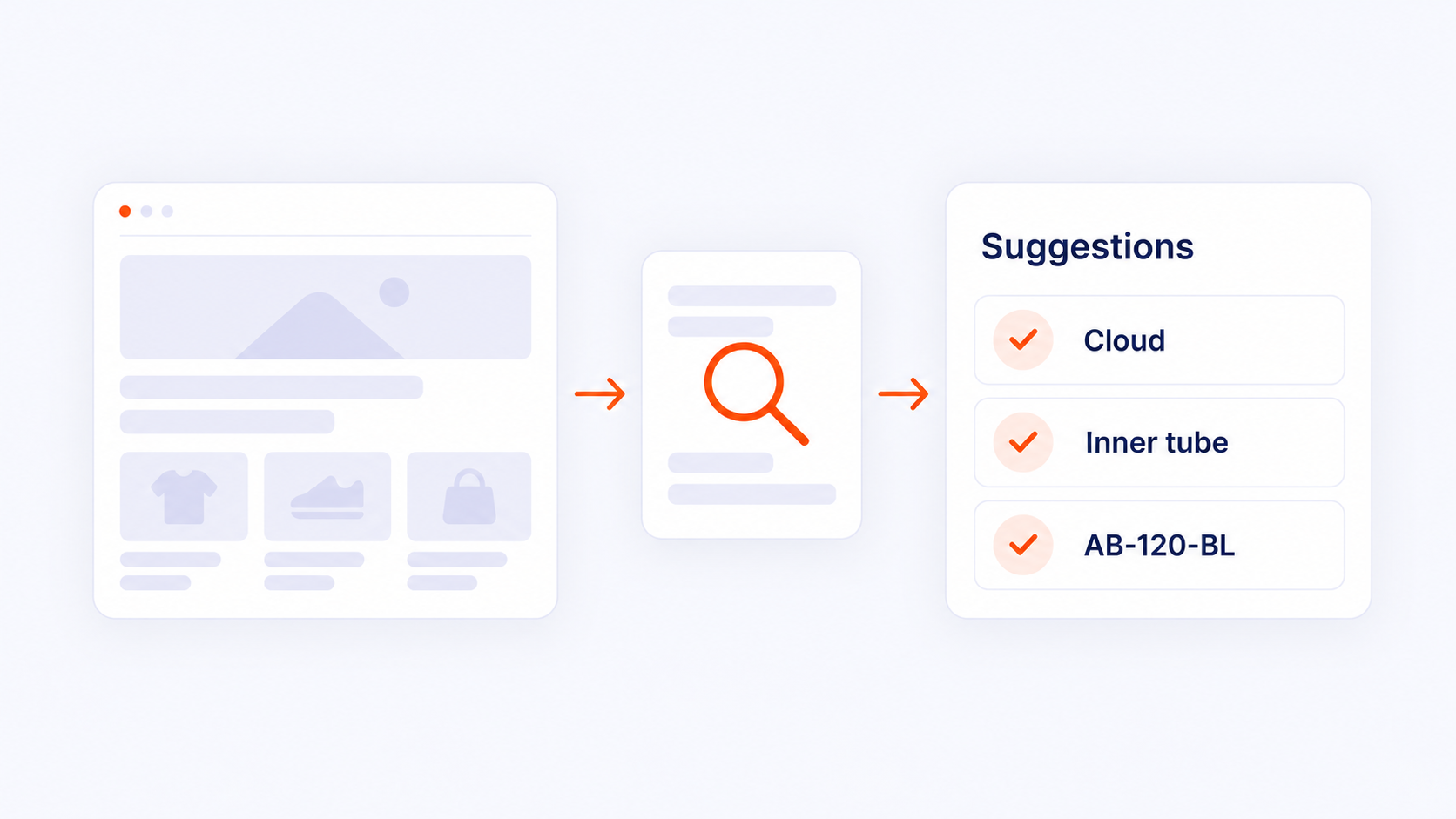
With a large website or product catalog, it takes time to collect all relevant terms yourself. That’s why Clonable has developed an automatic generator for the Glossary and Exclusions. This feature is available in beta. The generator scans your website and, based on your content, suggests terms you may want to include or exclude from translation. You review the suggestions and decide which ones to accept.
For an online store, this might include recurring brand names, product lines, and technical terms. You then decide which names should remain untranslated and for which terms you want to use a fixed translation. This way, you don’t have to collect as many terms yourself and you retain control over the choices that best suit your brand and target audience.
Keep your translation choices up to date
Your website is constantly changing. You add products, introduce services, or change names. That’s why you should regularly check whether your Glossary and Exclusions still align with your content. For example, are you launching a new product line? Be sure to include the name in your review. Are you changing a category from “athletic shoes” to “running shoes”? Then also check whether the established translations still apply.
With up-to-date glossaries, you can provide Clonable with clear instructions for recurring terms. This helps you maintain consistency in translations and reduces the number of corrections needed later. Want to get started with the Glossary and Exclusions? Log in to your Clonable dashboard or contact us for a personalized demo.
Get started with Clonable for free today
Discover how to centrally manage international websites from a single platform.