
Automatic website translation: when is human review needed?
You want to offer your website in a new language. The automatic translations are ready, but how do you determine if the content is good enough to publish? You can have every page proofread, check only the most important sections, or start with a selection. Which approach is right for your website?
Automated translation and human review complement each other. Automation handles the initial translation. A proofreader then assesses whether the meaning is accurate and the text is appropriate for your target audience. By determining in advance where that review is needed, you can keep the process manageable as your website continues to grow.
Read about how Clonable generates automatic translations and which choices affect translation quality.
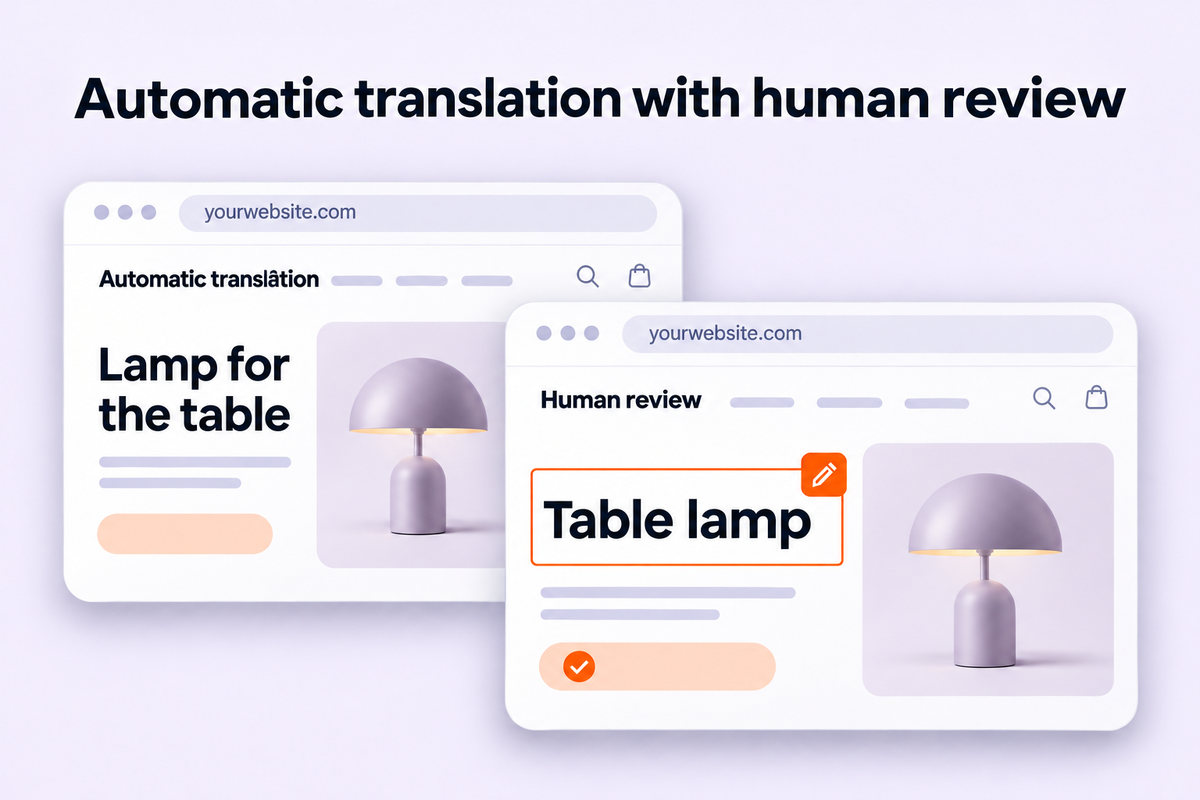
What does a human proofreader check for?
A translated text can be easy to read yet convey a slightly different meaning than the original version. Consider a product feature that comes across as incomplete, an incorrect technical term, or a condition that is interpreted differently.
In the case of an AI translation with revision, the proofreader compares the translation with the original text. They verify that the meaning is correct, all information has been included, and the text is understandable. Checking and editing machine translations is also called machine translation post-editing, abbreviated as MTPE.
Make the assignment clear. When proofreading a translation, the proofreader checks for spelling, grammar, and natural language use. Do you also want to ensure that all information has been accurately reproduced? If so, share the original text and choose someone who understands both languages. For specialized content, subject matter expertise may also be required.
AI can also perform an additional review. With AI proofreading, Clonable offers suggestions for grammar, spelling, and style. Agree within your team on when to have a person review the content as well.
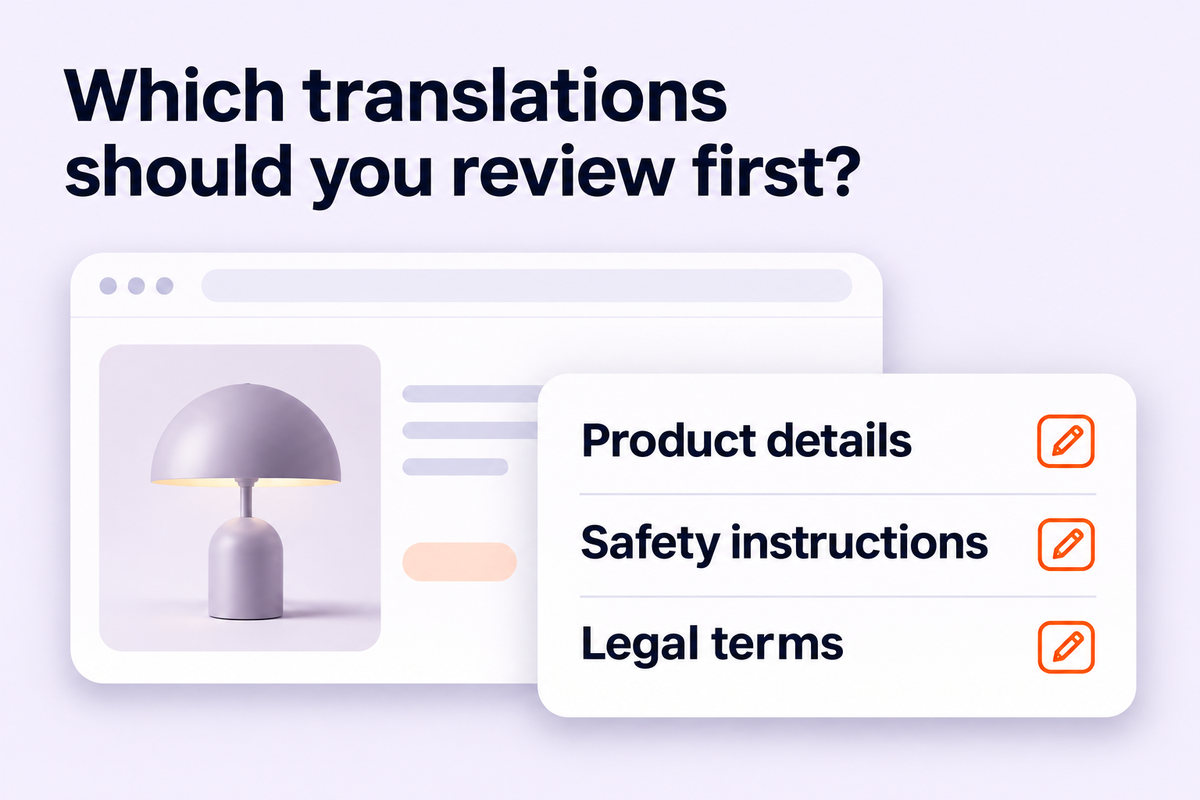
Which texts should be prioritized?
A fixed split between automatic translation and human review isn’t suitable for every website. Moreover, the amount of text says little about the consequences of an error.
For example, a brief note about returns might require more attention than a detailed inspiration page. So start by asking: What happens if a visitor misunderstands this information?
Use this format as a starting point for your own review:
Section | What should you keep in mind? |
Menus, buttons, and notifications | Does the visitor understand what is meant and what action to take next? |
Sales and landing pages | Are the offer, the selling points, and the next steps accurate? |
Product descriptions | Are the features, uses, and differences between products correct? |
Technical Instructions | Are the terms, steps, and warnings still factually accurate? |
Legal texts | Are both the translation and the applicability correct for the relevant market? |
This proposed approach aligns with the principle that texts with more serious consequences in the event of errors require more thorough review. The European Commission also applies this principle as part of its quality assurance process for translations.
Use visitor data to help determine your business priorities. Which pages attract a lot of visitors? Where are inquiries coming from? Which products are important for the new market? This way, you can combine content relevance with how your website is used.
Define recurring options in advance
Before anyone starts proofreading, it helps to establish a few guidelines. What form of address will you use? Which product names will remain untranslated? And which translation is preferred for technical terms?
Without these guidelines, proofreaders may interpret the same term differently. You’d then end up making corrections on a page-by-page basis, when it’s actually a single, recurring decision.
Within Clonable , various settings support this setup:
Context Assistant helps you draft a company description with information about your offerings, target audience, and desired tone.
The Glossary defines preferred translations for specific terms.
Style Prompts provide guidance on writing style and phrasing.
Want to define your offering, target audience, and desired tone? Learn how to use the context settings in Clonable.
Consider a fictional supplier of industrial parts. They can describe in advance the applications their products are intended for and the technical terms associated with them. The reviewer uses that same information to evaluate translation choices.
Also check the original texts. If a product description is unclear there, someone needs to first figure out what the writer means. By improving the source, you give all language versions a clearer starting point.
When adjusting settings, be mindful of existing content. According to the documentation, changes to the company description in the Translation Profile apply only to new translations. Previously created translations will not change automatically as a result.
Give the proofreader a clearly defined assignment
“Would you like to take a look at the German website?” doesn’t make it clear when the review will be finished. One person might be looking for errors, while another might be rewriting every sentence to suit their personal preferences.
Therefore, please specify which pages are being reviewed, what agreements are in place, and what questions the review should address. Please provide both the original text and the translation.
For a product page, you can limit the brief to three points:
Check that features, dimensions, and applications match the source.
Please verify that the technical terms align with the agreed-upon terminology.
Make sure the visitor understands what they can order or request.
Have the proofreader review the text on the page as well. A button labeled “Request” only makes sense when you see the context around it. The same applies to error messages, filters, and short menu items.
Establish who makes the final decision in case of doubt. A colleague with language skills can review the wording, while a product specialist must confirm that the content is accurate.
Address recurring errors at their root cause
A review is more valuable when you use your findings to improve your workflow.
Suppose a proofreader discovers in a fictional product catalog that the same technical term is being used incorrectly on different pages. In that case, it makes sense to also review similar pages and establish the correct term.
Distinguish between a one-off phrasing, a recurring translation choice, and ambiguity in the original text. Each issue requires a different adjustment.
Start with recurring product descriptions, for example, using examples from different categories. If you find errors that are likely to occur frequently, expand the review in a targeted manner. A random sample provides clues for further review; it does not prove that all other pages are error-free.
Take control of your daily content management
After the initial launch, your website will continue to evolve. You’ll add products, update services, and revise terms and conditions. Therefore, agree on which changes will require human review.
Clonable processes changes from the source website into the international versions and provides an editor to adjust translations. Your team or agency determines which content requires additional review and who will perform it.
For example, you can have a customized product application reviewed again by a subject matter expert. You can first compare new texts within a familiar product group to previously approved examples.
Keep track of which pages have been reviewed, which questions are still open, and who has approved the content. This way, you can make reviewing website translations part of your existing content process.
Start with one language and a limited selection of pages. Use that first round to refine your instructions, terminology, and division of tasks. This will help you establish a workflow that you can reuse for future publications and markets.
Get started with Clonable for free today
Discover how to centrally manage international websites from a single platform.